

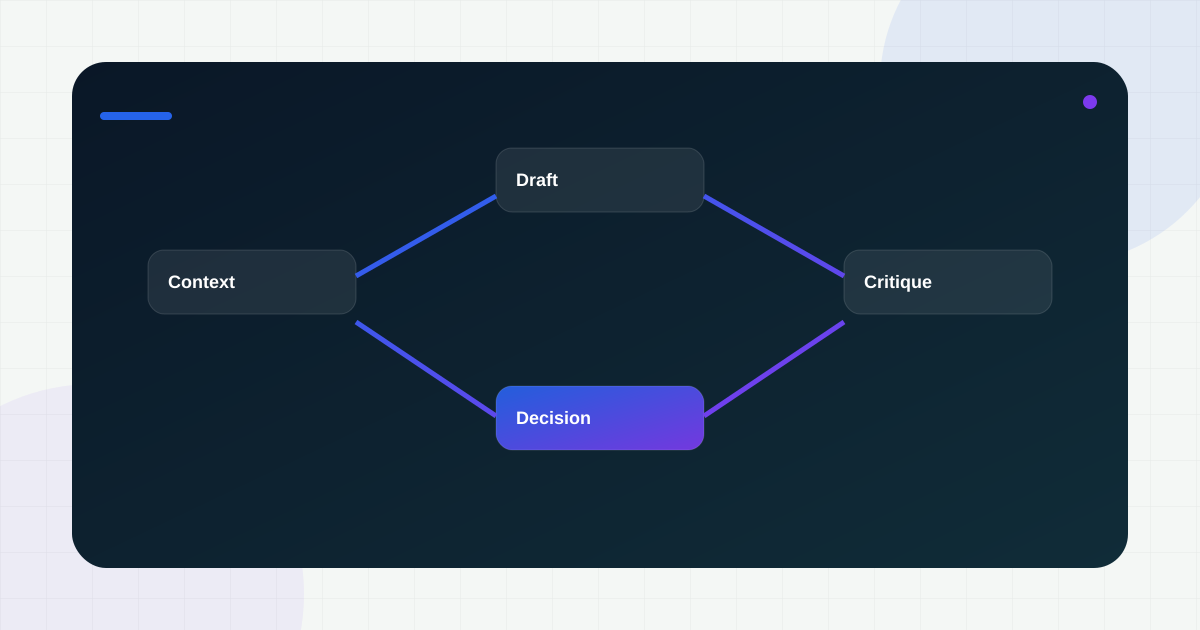
ChatGPT is most useful to product managers when it is treated as a structured thinking tool, not a substitute for product judgment.
Used badly, it produces polished nonsense. Used well, it compresses the time required to move from a vague problem statement to a sharper brief, a better interview guide, or a more useful set of options for the team to debate. The difference is almost always in the inputs, the constraints, and the PM’s willingness to verify the output.
Below are ten practical ways I’d use it across the product workflow.
Before you start: the rule that matters most
Give ChatGPT context that sounds like a real product environment:
- who the user is
- what the business goal is
- what constraints are real
- what the team already knows
- what format you want back
If you skip those, you are not saving time. You are creating cleanup work.
1) Turn a blurry problem into a sharper brief
Use it when you have a messy input such as stakeholder notes, a support theme, or a half-formed idea.
Ask for:
- the user problem in plain language
- a better problem statement
- risks of solving the wrong thing
- suggested success metrics
This is especially useful before discovery starts because it forces clearer framing.
2) Build first-pass research maps faster
For market and competitor scans, ChatGPT can create a draft landscape quickly. It should not replace real market work, but it helps you structure the search.
Use it to ask for:
- likely competitors and substitutes
- common positioning patterns
- pricing or packaging hypotheses
- differentiation angles to investigate
That gives you a checklist for real validation instead of starting with a blank page.
3) Draft PRD skeletons without wasting your best hours
A PM should not spend prime thinking time formatting sections that are already standard.
ChatGPT is good at generating a working PRD structure with:
- problem statement
- goals and non-goals
- personas or job-to-be-done
- edge cases
- dependencies
- launch questions
The quality jump comes when you then replace generic copy with real product context and real tradeoffs.
4) Convert features into backlog-ready user stories
When a feature is still fuzzy, ask the model to create user stories and acceptance criteria in a format your team actually uses.
It can help surface:
- positive paths
- edge cases
- negative cases
- QA questions
- missing system dependencies
That is valuable because it reveals ambiguity before engineering pays for it.
5) Stress-test assumptions with pre-mortems
One of the best PM uses is running structured failure analysis.
Ask:
- If this launch fails, what are the most plausible reasons?
- Which risk is most likely to be invisible until post-launch?
- What would legal, operations, sales, or support worry about first?
This expands the risk surface before a launch review turns tense and reactive.
6) Generate better interview guides
Customer interviews improve when the guide is deliberate. ChatGPT can help you convert a theme into focused prompts.
For example, ask it to generate:
- discovery questions for first-time users
- probing questions for churned users
- follow-ups for workflow pain points
- prompts that separate habits from opinions
You still need to run the conversation well. But the prep gets much faster.
7) Summarize messy notes into action themes
After interviews, support reviews, or stakeholder sessions, use it to cluster notes into themes.
What works best is pasting raw observations and asking for:
- grouped themes
- confidence level by theme
- sample evidence quotes
- product implications
- open questions still unresolved
That makes synthesis easier without pretending the model has real certainty.
8) Build first-pass metric trees
A lot of roadmap arguments come from teams skipping the metric layer.
Use ChatGPT to draft:
- a north-star metric candidate
- leading indicators
- guardrail metrics
- event instrumentation ideas
- metrics that are likely vanity, not signal
This is particularly useful when a new feature looks important but the team has not agreed on how success will be measured.
9) Improve decision memos and stakeholder communication
PM communication quality is often a leverage problem, not a writing problem. ChatGPT helps you restructure a decision memo so it is easier to absorb.
Ask it to rewrite notes into:
- a one-page decision brief
- an exec summary
- a launch readiness update
- a tradeoff comparison table
The value is not fancy prose. The value is faster comprehension for the reader.
10) Use it as a critique partner, not a cheerleader
This is the highest-leverage use: ask it to challenge your plan.
Good prompts include:
- What assumptions in this PRD are weak?
- What would Engineering push back on?
- Which dependency is under-specified?
- What could make this experiment unreadable?
- What is missing for launch readiness?
That kind of critique often catches gaps before they become team friction.
Three prompts worth keeping
Here are three prompt patterns I’d keep close:
You are a senior product manager reviewing a draft PRD. Identify ambiguity, missing dependencies, weak success metrics, and launch risks. Return feedback as a table with severity and suggested fix.
Act as a skeptical user in {domain}. I will show you a feature concept. Tell me what feels unclear, risky, or unconvincing, and what proof you would need to trust it.
Given this launch goal, propose a metric tree with north-star, leading indicators, guardrails, and the events we must instrument before release: {goal and feature context}.
Where PMs go wrong with AI tools
The biggest mistakes are predictable:
- using the output as truth instead of draft material
- asking broad prompts with no real constraints
- skipping verification for domain-specific claims
- confusing speed of wording with speed of thinking
A faster draft is useful. A faster bad decision is not.
Final takeaway
ChatGPT should make you a sharper PM, not a lazier one.
Use it to compress setup work, widen the option space, and challenge your own assumptions. Then bring the thing that still matters most: product judgment grounded in users, constraints, and real evidence.